

Verifying your Google Business Profile doesn’t have to be complicated. The steps to verify Google Business for remodelers take less than 15 minutes, and once it’s done, Proper SEO helps your remodeling business appear in Google search results and Google Maps when local homeowners search for remodeling services near them.
But here’s the thing. An unverified listing is basically invisible. Google won’t show it in local search results, and you can’t edit key details like your phone number, service locations, or photos.
The good news? The process is straightforward. Whether you’re a general contractor, kitchen remodeler, or bathroom remodeler, this guide walks you through every step, including what to do if something goes wrong.
By the end, you’ll have a fully verified Google Maps listing that puts your home remodeling contractor business in front of the right local customers.
Table of Contents
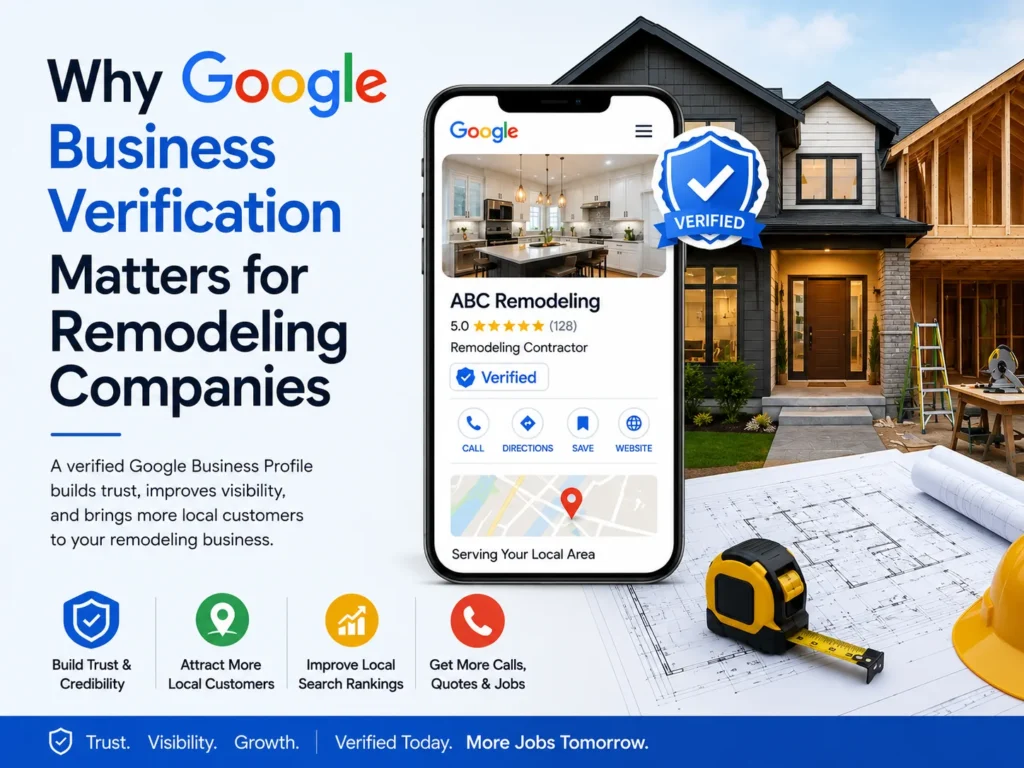
Why Google Business Verification Matters for Remodeling Companies
Think about the last time you needed a local service. Did you scroll past page three of Google? Probably not.
Most homeowners scan the top results and pick from there. That’s exactly where your remodeling business needs to be, and local business verification is what gets you there.
How Verification Affects Your Local Search Rankings
When you complete your Google Business verification, Google treats your business as legitimate and trustworthy. That means:
- Your business appears in Google Maps results
- You show up in the Local Pack, the three businesses Google highlights at the top of local search results
- Homeowners can find your phone number, website, and customer reviews straight away
- Your business credibility improves in the eyes of both Google and potential clients
Without verification, none of that happens. You’re handing local customers straight to your competitors.
What You Can and Cannot Do With an Unverified Listing
| Feature | Unverified | Verified |
| Appear in Google Maps | ❌ | ✅ |
| Edit business information | ❌ | ✅ |
| Respond to customer reviews | ❌ | ✅ |
| Add photos of remodeling work | ❌ | ✅ |
| Show up in local search rankings | ❌ | ✅ |
| Access business profile management tools | ❌ | ✅ |
| Improve online presence | ❌ | ✅ |
The difference is clear. Google listing verification unlocks everything.
Before You Start: What You Need to Set Up First
Before you request business profile verification, make sure the basics are in place.
Creating Your Google Business Profile
If you haven’t created a profile yet, go to business.google.com and sign in with a Google account. Click “Add your business” and follow the prompts. It takes about five minutes.
Already have a listing? Search your business name first; someone may have already created one for you.
Choosing the Right Business Category for Remodelers
This step matters more than most people realise. Your business category tells Google what kind of work you do and it directly affects which searches you show up for.
Good options for a home improvement business include:
- General Contractor
- Kitchen Remodeler
- Bathroom Remodeler
- Home Renovation Company
- Home Improvement Business
- Residential Remodeling Contractor
Pick the one that best describes your core service. You can add secondary categories later through business profile management.
Setting Up a Service Area Business (No Storefront? Here’s What to Do)
Most remodeling contractors don’t have a public-facing office, and that’s completely fine. Google lets you set up a service area business, which means you list the towns or regions you serve rather than a physical location.
When prompted, choose “I deliver goods and services to my customers” and hide your business address. Then add your service locations by city, county, or postcode.
The Different Ways Google Lets You Verify Your Business
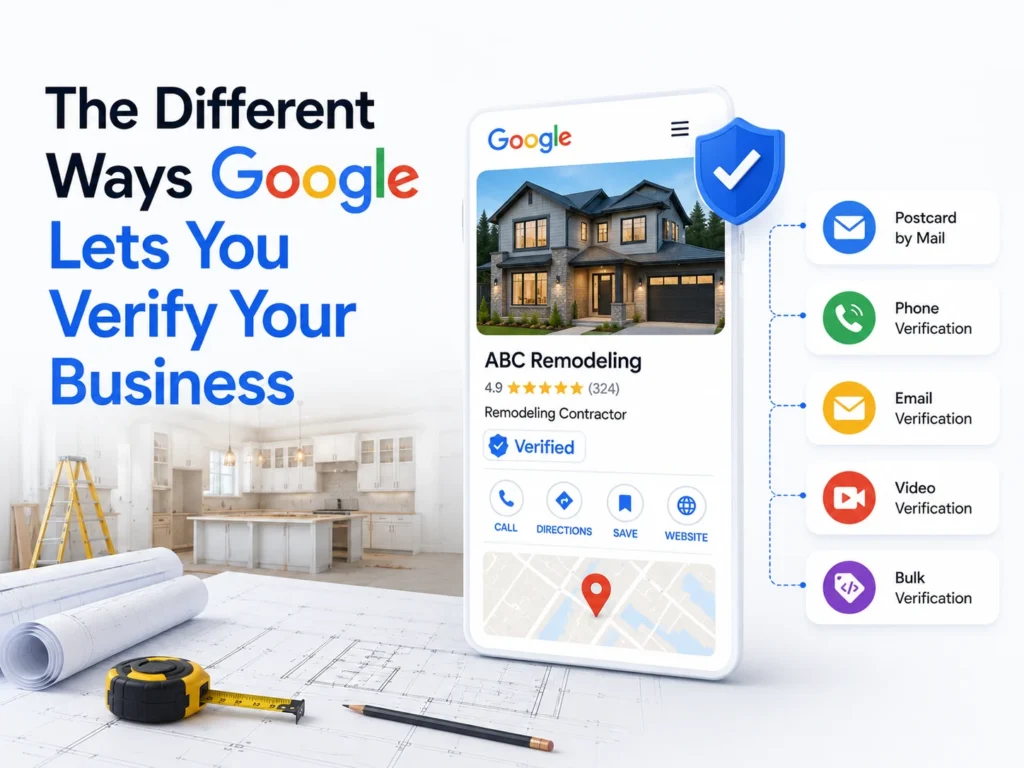
Google doesn’t use a one-size-fits-all approach. The method available to you depends on your business type and location. Here’s a breakdown of every option:
Verification Postcard by Mail
Google mails a verification postcard with a 5-digit verification code to your business address. It usually arrives within five days. You then enter the code in your profile to complete local business verification.
This is the most common method for new listings.
Phone Verification
Some businesses get the option to receive a verification code by call or text message. If this option appears, it’s the fastest route you’ll have your code in seconds.
Email Verification
Google may offer email verification depending on your Google account history. You’ll get a code sent to your registered email address. Simple and quick.
Video Verification
Newer businesses are sometimes asked to submit a short video as proof of business legitimacy. This might include footage of your work vehicle, tools, signage, or a job site. A steady phone recording is usually enough.
Live Video Call Verification
In some cases, a Google representative joins a live call to complete Google Business verification in real time. They may ask you to show your service locations, equipment, or branded materials.
Instant Verification
If your website is already verified through Google Search Console, you may get instant verification when you create your Google Business Profile. No verification code needed.
Bulk Verification (For Remodeling Companies With Multiple Locations)
Have more than ten service locations? Google offers a bulk verification process through a spreadsheet submission. This is handled through a separate form and can take a few weeks to process.
Step-by-Step: How to Verify Your Google Business Profile as a Remodeler
Ready to get it done? Here’s the full business profile verification process from start to finish.
Step 1 – Sign In to Your Google Account
Go to business.google.com and sign in. If you’ve already created your listing, you’ll land on your dashboard. If not, create your Google Business Profile first.
Step 2 – Enter Your Business Information Accurately
Before requesting Google listing verification, make sure your details are correct:
- Business name (exactly as it appears on your signage or website)
- Phone number
- Website URL
- Service locations
- Business category
- Physical location or service area business setting
Don’t rush this step. Inaccurate business information can delay or block verification.
Step 3 – Choose Your Verification Method
Once your details are saved, Google will show the available local business verification options. Pick the fastest one available. If phone or email verification is on the list, go with that. If a verification postcard is your only option, request it straight away.
Step 4 – Complete the Verification Process
- Postcard: Wait for it to arrive (up to five days), then enter the verification code in your dashboard under “Enter code.”
- Phone/Email: Enter the code right after receiving it.
- Video verification: Record a short clip following Google’s guidelines and upload it through your dashboard.
Step 5 – Confirm Your Google Maps Listing Is Live
Once verified, your profile status changes to “Published.” Search your business name on Google Maps to confirm it’s showing.
Common Verification Problems Remodeling Contractors Run Into (And How to Fix Them)
Things don’t always go smoothly. Here’s what to do when they don’t.
You Never Received Your Verification Postcard
Wait at least 14 days before requesting a new one. If it still doesn’t arrive, check that your business address is formatted correctly and request a resend through your dashboard.
Your Verification Code Has Expired
Postcard verification codes expire after 30 days. If yours has expired, request a new postcard from your Google Business Profile dashboard.
Google Says Your Business Is Already Claimed
Someone else, maybe a previous employee or web agency, may have set up a listing for your home remodeling contractor business. Request business ownership through the “Claim this business” option. Google contacts the current owner and transfers access if they don’t respond within seven days.
Your Listing Was Suspended After Verification
This usually happens when Google flags something as suspicious, like a keyword-stuffed business name or a mismatched business address. Submit a reinstatement request through Google’s support page and correct any issues first.
Video Verification Was Rejected
Make sure your video clearly shows your business registration details, work vehicle, tools, or an active job site. Keep it steady and well-lit. Resubmit if rejected; Google usually explains the reason.
What to Do After Your Google Business Profile Is Verified
Google Business verification is just the start. Now it’s time to make your listing work hard for lead generation.
Complete Every Section of Your Profile
A complete profile ranks better and converts better. Fill in:
- Business description mentioning your remodeling services
- Full list of residential remodeling and home improvement services
- Opening hours
- Website link
Add Photos of Your Remodeling Work
Before and after photos are gold. Local customers want to see what your home renovation company can do before they call. Aim for at least ten high-quality photos to start.
Set Your Service Locations and Business Hours
Be specific. List every town or city your remodeling contractor business serves. Update your hours for bank holidays or seasonal changes.
Start Collecting Customer Reviews
Customer reviews are one of the biggest factors in local search rankings. After every completed job, ask your client to leave a Google review. A simple text message with a direct link works well.
Connect Your Website and Booking Links
Make it easy for people to take action. Add your website URL and, if you use an online booking tool, link that too. This directly supports business visibility and lead generation for your remodeling contractor near me searches.
Tips to Get the Most Out of Your Verified Google Maps Listing
Post Regular Updates and Project Highlights
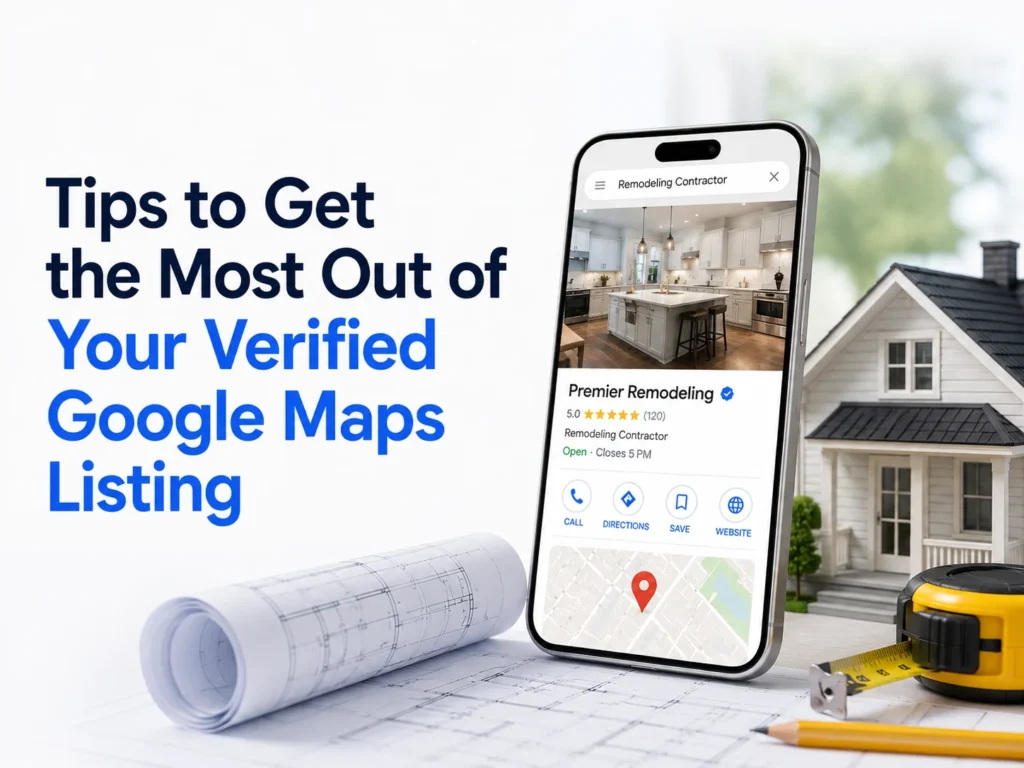
Google lets you publish posts directly to your Google Business Profile; think of them like mini updates. Share completed residential remodeling projects, seasonal offers, or tips for homeowners. It keeps your profile active and signals to Google that your home improvement business is operating regularly.
Use the Q&A Section to Answer Common Questions
Homeowners often ask questions like “Do you offer free quotes?” or “Are you insured?” right on your Google Maps listing. Answer these proactively by posting your own Q&As. It builds business credibility before a customer even calls.
Track Performance With Google Business Insights
Your dashboard shows how many people viewed your profile, clicked your website, or called you directly from Google Search. Check this monthly to understand what’s working and where to improve your online presence.
Frequently Asked Questions
How long does Google Business verification take?
Phone and email verification are instant. A verification postcard takes up to five days. Video verification can take up to five business days for review.
Can I verify a Google Business Profile without a physical location?
Yes. Set up a service area business and hide your address. You verify using your home or office address, but it won’t be shown publicly on your Google Maps listing.
What happens if my remodeling business moves to a new area?
Update your service locations in your profile. You may need to go through local business verification again if you change your primary business address.
Is Google Business Profile free for remodeling contractors?
Completely free. There’s no cost to create, complete Google listing verification, or manage your business profile management tools.
